Most React projects look great on day one. There’s one clear folder structure, one way to name a component, one formatting style. Everyone agrees, because there’s only one person deciding.
The trouble shows up around month three or four. A second developer joins, then a third. Deadlines get tighter. Someone adds a component in a new folder because it felt faster than following the existing pattern. Nobody blocks it, because there’s nothing in place to block it.
Six months in, the codebase has three ways of structuring a feature folder and two competing opinions on where utility functions belong. New hires spend their first week just learning the unwritten rules, and those rules live in Slack threads instead of documentation.
That’s the problem Burst was built to solve. Not “how do we write good React code,” but how do we make good React code the only option, from the first commit.

React, on its own, has no opinion about how you structure a project. Create React App gives you a starting point and stops there. Webpack, folder structure, linting, commit standards: all of that is left for the team to figure out, usually while they’re also trying to ship features.
In our experience, three things make consistency hard to maintain without tooling:
None of these are exotic problems. They’re arguably the most common reason a fast, scrappy codebase turns into one nobody wants to touch. The fix isn’t a longer style guide. It’s removing the option to skip the rules.
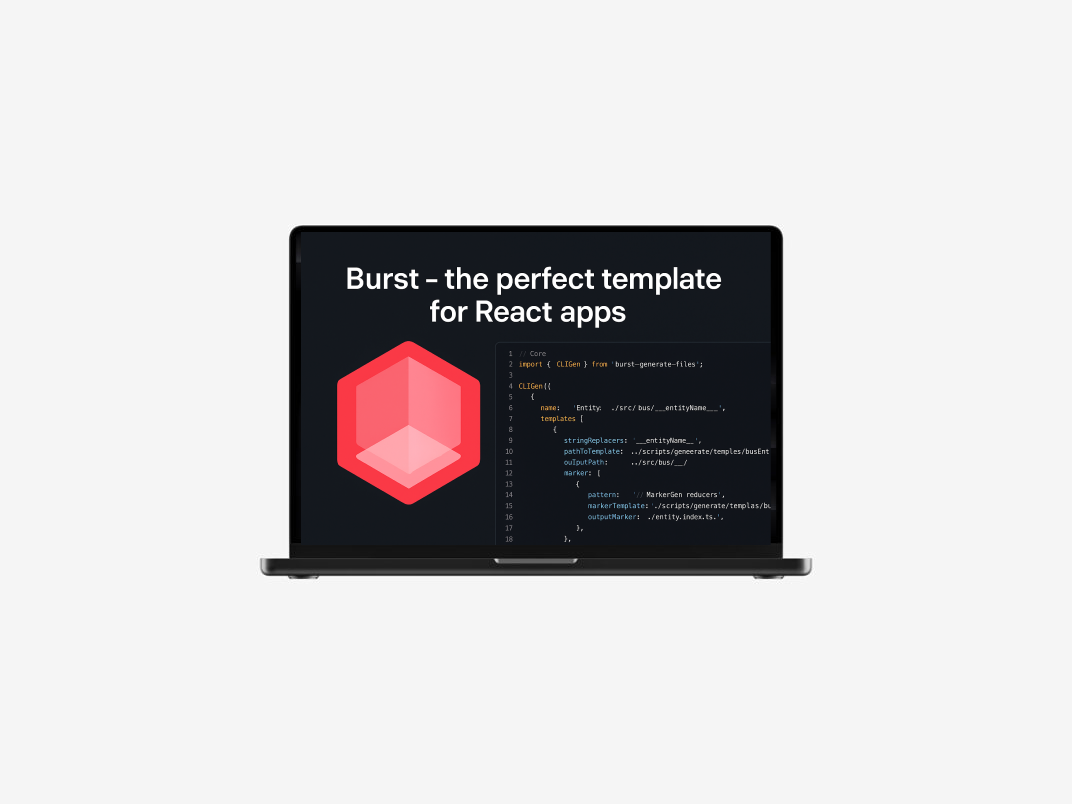
Burst is an open source React and TypeScript starter template, and the core design decision behind it was simple: don’t write down the rules, build them into the pipeline.
Architecture and stack:
Here’s how the pieces work together, and why each one matters for a team, not just a solo developer.
Husky and lint-staged run ESLint and Prettier automatically before a commit is even created. That means a developer physically cannot commit code that breaks formatting or linting rules, not because they’re disciplined, but because the tooling won’t let them. This moves the check from “code review, three days later” to “the moment the code is written.”
GitHub Actions runs the same checks again on every pull request. This catches the case where someone bypasses local hooks, intentionally or not, and it means a broken build never depends on one developer’s local setup being correct.
npx burst-generate-files (or npm run gen) generates new components, pages, and modules into the same feature-based structure every time. Instead of a developer copying an old file and hoping they remembered every convention, the CLI produces a file that’s already correct.
The first version of the lint config was almost too strict. A few early testers hit rules that flagged working code as broken, and started running commits with –no-verify to skip the checks entirely, which defeats the entire point. The fix wasn’t loosening enforcement. It was going through the rule set and cutting anything that was strict for the sake of being strict, so the checks that remained were ones developers actually agreed with.

The point of Burst was never to be another demo boilerplate. It’s meant for real production use: SPA dashboards, SaaS front-ends, landing pages, and scalable web applications.
What packaging the stack into one starter template delivered:
For a CTO, the business version of that story is straightforward: pull requests get easier to review because they follow a pattern the reviewer already knows. New hires ship usable code faster because the tooling teaches the conventions instead of a teammate having to. And technical debt from inconsistent structure stops accumulating quietly in the background.

Developer experience is often treated as a nice-to-have. When your users are other engineers, it’s a product feature. A starter template that enforces consistency isn’t just about clean code for its own sake. It’s fewer onboarding hours, fewer style arguments in code review, and a codebase that still makes sense to work in a year after launch.
The lesson from building Burst wasn’t complicated: teams don’t need more rules written down. They need fewer opportunities to break the rules they already agreed on.
If your team is starting a new React project, or fighting a codebase that’s already drifted, Burst is open source and available to use as-is or as a reference architecture. If you want a starter template customized to your team’s stack and standards, that’s the kind of front-end system I build. Reach out through YOUR R&D to talk through what that would look like for your project.